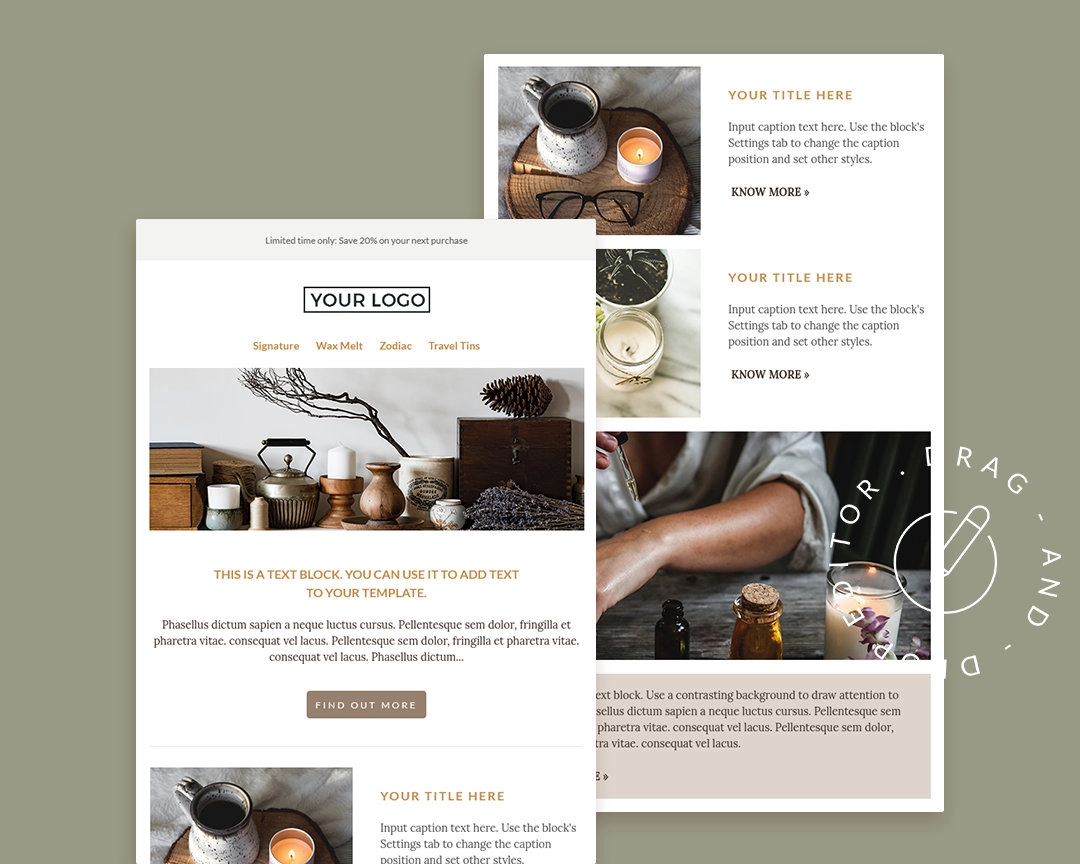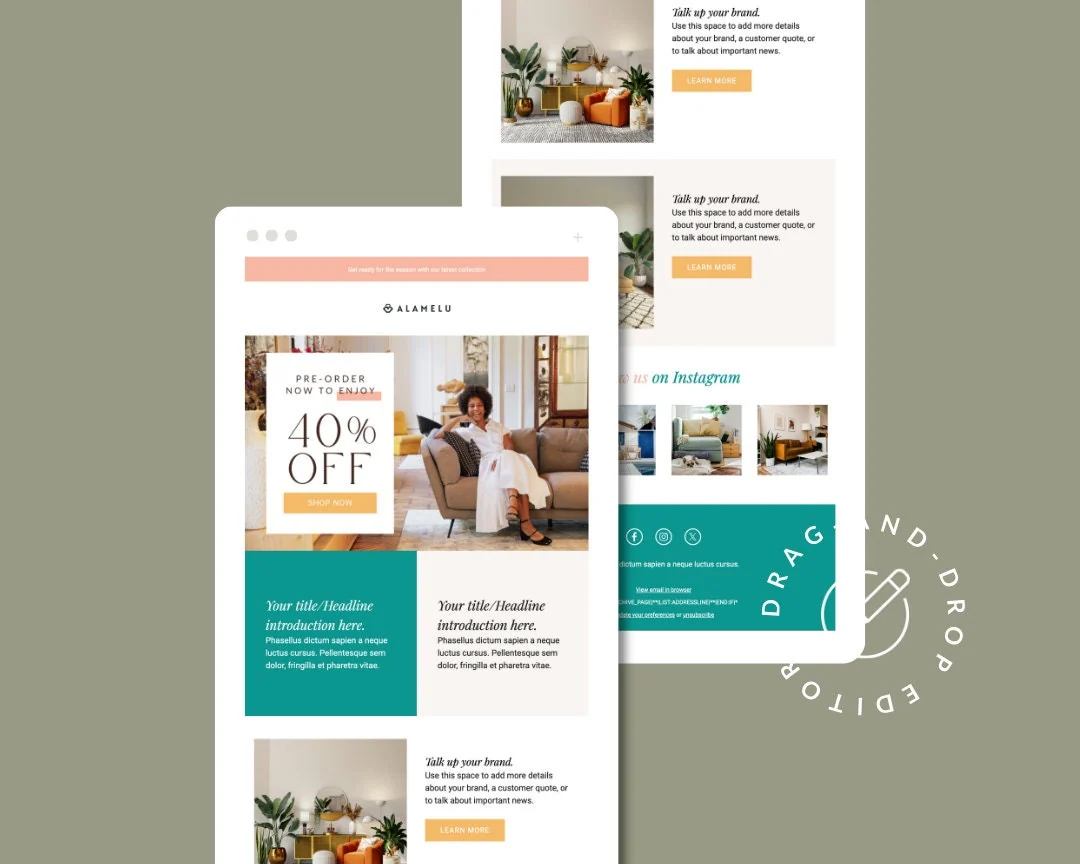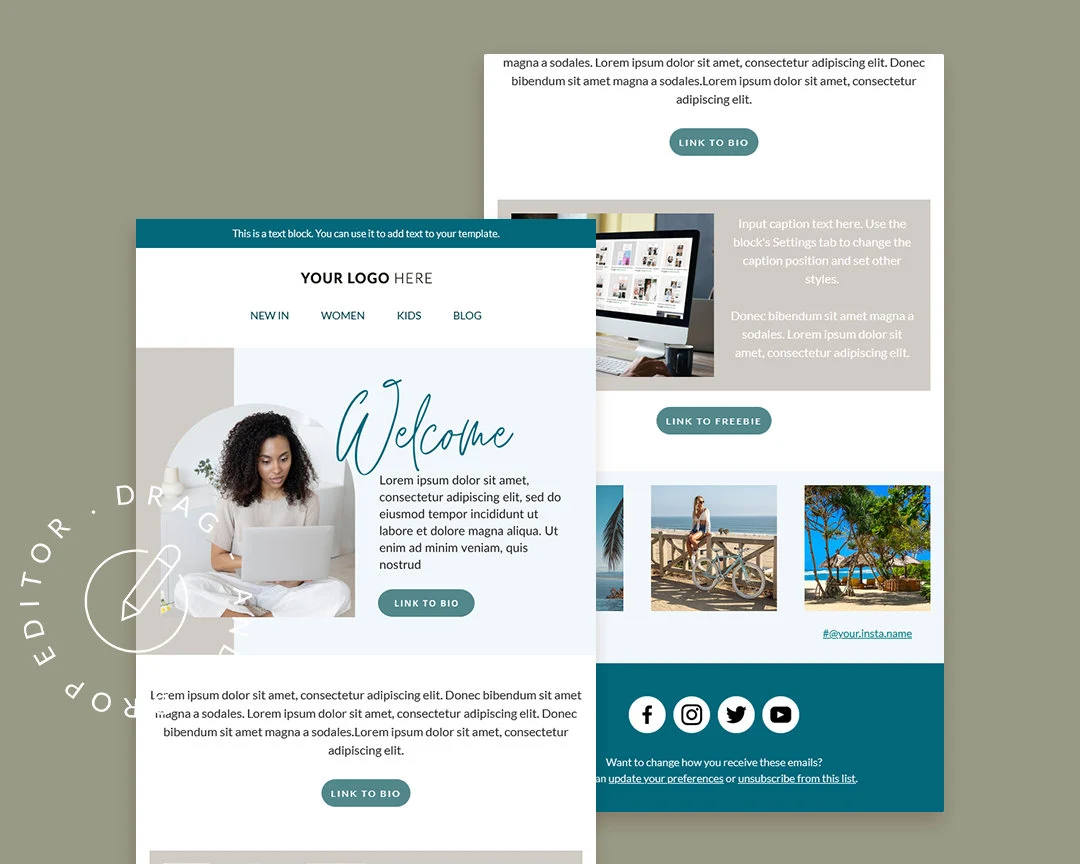
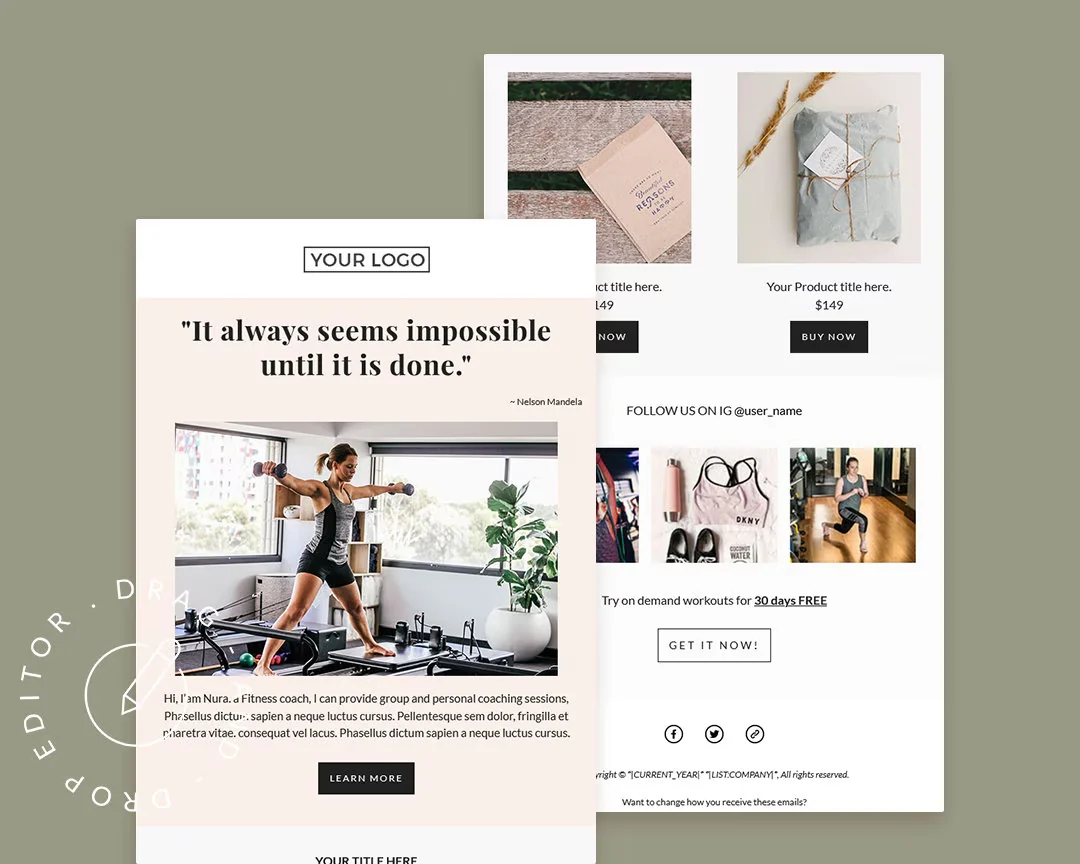
Mailchimp Welcome Newsletter Template: Canva & HTML
Template views: 8 Template downloads: 0

Mailchimp Welcome Newsletter Template: Canva & HTML

Canva Template Mailchimp Drag-and-Drop Layout

What you get:

  • Mailchimp template link for one-click installation
  • Canva design link for customizing the hero/banner design
  • HTML template file for use outside Mailchimp when needed
Download Free Template

Item details

What you get

  • Mailchimp Template Link (one-click install link)
  • Canva Design Link (hero banner customizable with the free version of Canva)
  • HTML Template

How to use it

  • Use this welcome email after someone joins your email list, so they can learn what you do and get a clear first impression.
  • Install the Mailchimp template with the included link, then customize it inside Mailchimp drag-and-drop editor.
  • Edit the Canva hero/banner design, unzip the template files after access, and update the copy, images, links, and footer details before sending.

Important notes

  • No coding required.
  • You need at least a basic understanding of the Mailchimp drag-and-drop editor.
  • After customization, you can export the template to basic HTML if you need to upload it into another email client.

Compatibility

  • The template is built for major email clients, but email rendering can still vary by inbox.
  • Fallback fonts may appear in email clients that do not support Google fonts.
  • Outlook has email design limitations, including limited support for background images.
Related templates

Other templates to consider